

Sampson
Chief of staff
Sets priorities, coordinates assignments and prepares executive briefs for Austin’s review.
SALES OPS GURUS
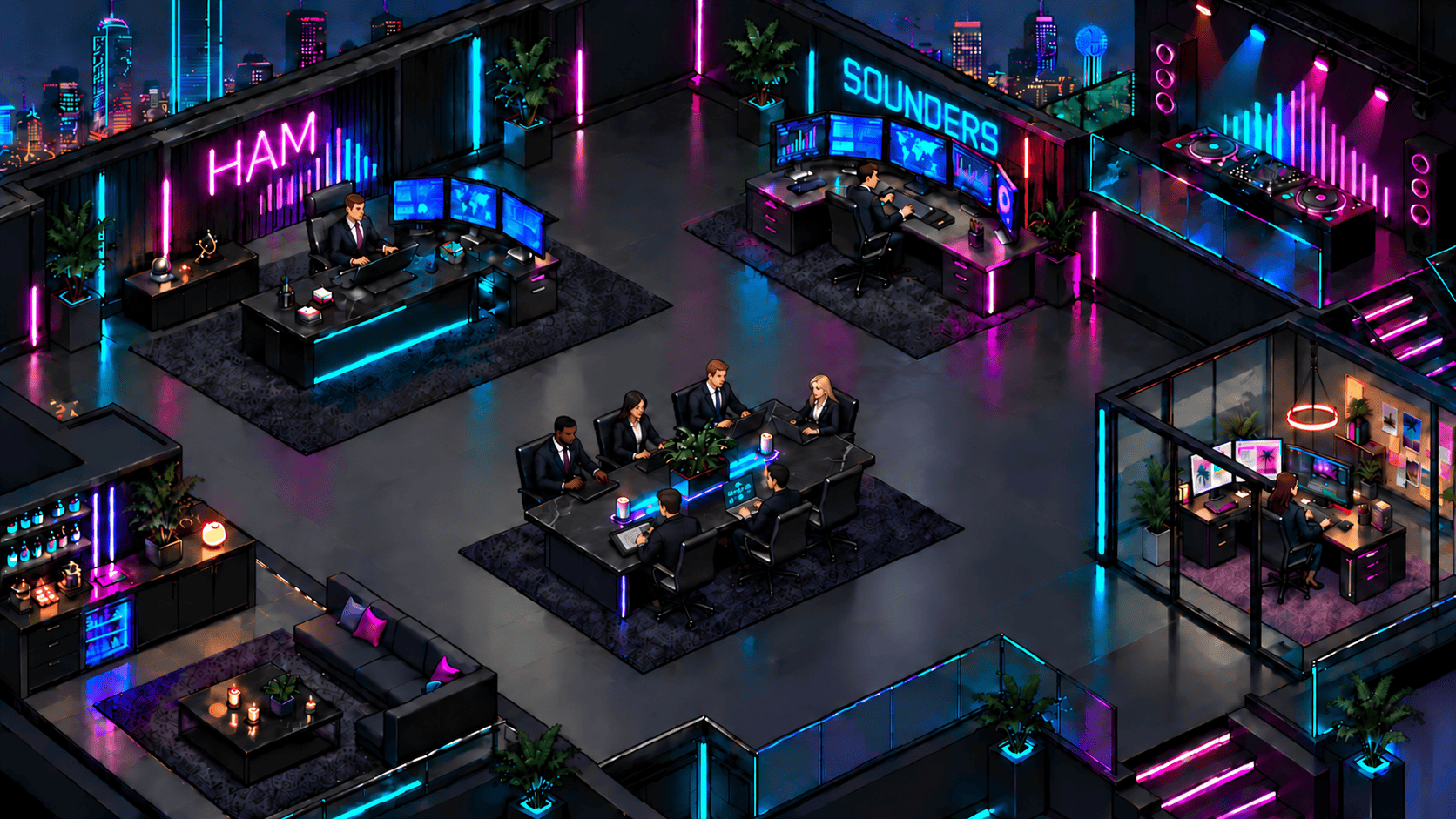
Build your first AI worker with me, using the system I built to run two multi-million-dollar businesses.
Get all 10 videos for $10Usually $100 per video · $1,000 for all 10.
All 10 videos. Just $10 total.
Let’s onboard your first real AI worker. Watch a step. Build it with me.
10 videos. $1 each. One $10 payment.
Limited-time offer through December 31, 2026. Don’t wait.
Video coming soon

Meet four workers from my Sounders team. You’ll learn how to give your own workers clear roles, business context and work you can review.
Chief of staff
Sets priorities, coordinates assignments and prepares executive briefs for Austin’s review.

Marketing director
Leads campaign planning and coordinates the team that markets and sells each event.

Sales operations
Maintains the CRM, organizes the pipeline and reviews sales data and reporting exceptions.

Business development
Researches and qualifies leads, prepares outreach and contracts, and updates deal records for review.
Illustrated AI-worker avatars, not employee photographs.
I’m Austin Ham. I built 11 AI workers to help run my two multimillion-dollar businesses. In these 10 follow-along videos, I’ll walk you through building your first worker and Virtual Office, then putting that worker to work.
Pulling reports. Following up with leads. Planning content. Choose a task from your own business or daily work, follow the steps with me, and learn how to check the result.
Watch how we turn an assignment into useful work at Sounders. Then apply the same process to a workflow of your own.
Input: Approved closeout records and reporting instructions.
AI deliverable: A leadership brief with results, exceptions and next actions.
Human review: Check source totals, missing information and decisions that need an owner.
Input: The event brief, approved date, offer, audience and operating details.
AI-team deliverables: Brian researches demand and plans with JJ. Tory and Tory2 prepare creative; Hannah builds the landing page and ticketing; Libby coordinates promotion.
Human review: Confirm the booking, lineup, admission, artwork and links before release. The on-site team delivers what was sold.
The CEO Command Center brings business reporting, assignments and items needing Austin’s attention into one dashboard. Visual Control is a Windows pilot built for Sounders’ projector setup.
You’ll learn to build your own worker and Virtual Office. The custom Sounders dashboard and projector software shown here are examples of what we built, not ready-made software included with the course.
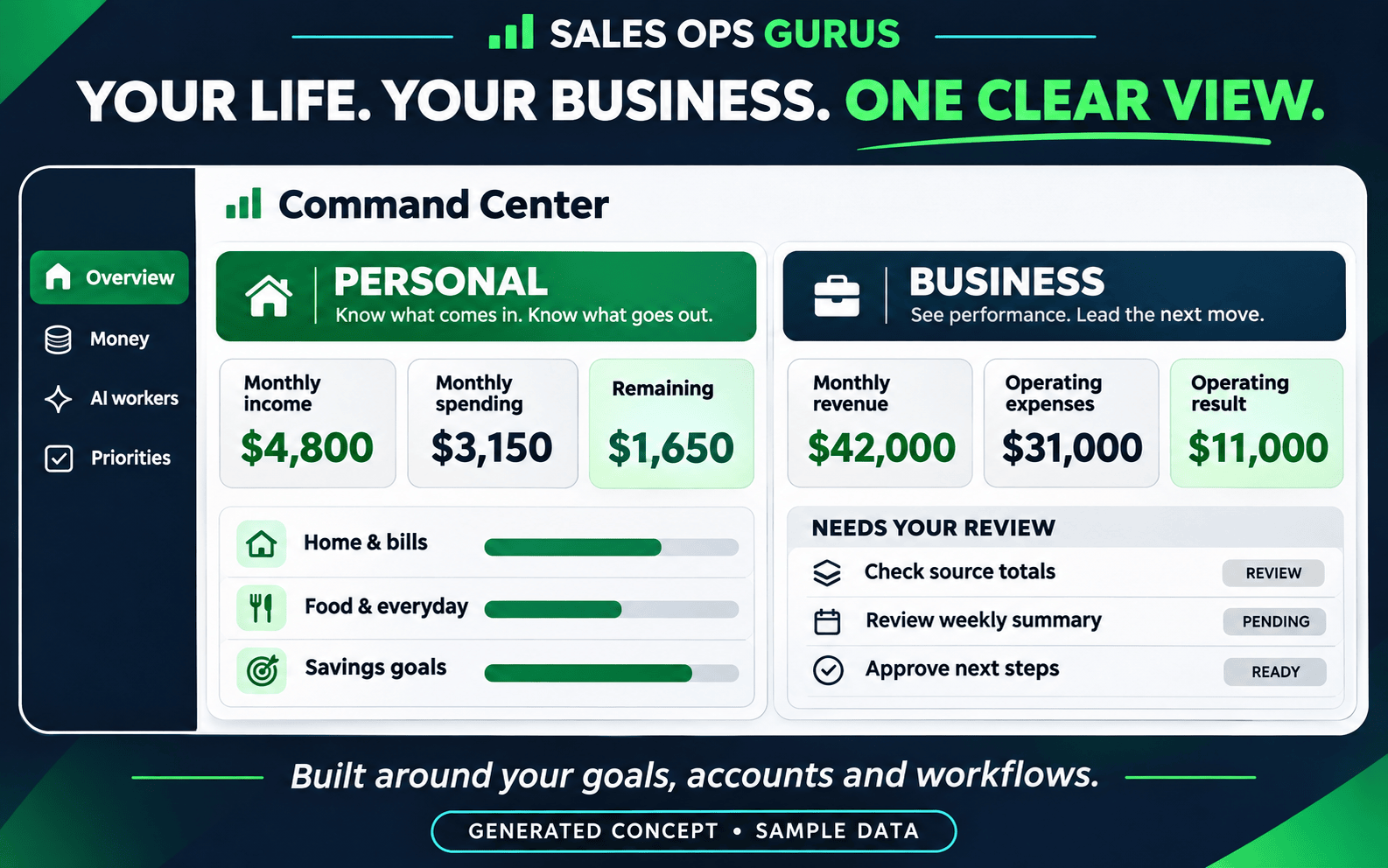
WHAT YOU’LL HAVE BUILT
A defined role, clear instructions and business context it can use.
A place to organize your AI workers, their roles and the work you assign.
A repeatable assignment with useful inputs, an SOP and a deliverable.
A way to check the work, catch mistakes and improve the next result.
Watch a step. Build along. Test it on your own work. Each lesson gives you something to build, test or use as you set up your first worker and Virtual Office.
Learn to build your first AI worker and Virtual Office, give it a real assignment and review what it delivers.
Regular package price: $1,000
$10 total
10 follow-along videos · $1 per video
One-time purchase
Limited-time offer through December 31, 2026. Don’t wait.
Course coming soon. Controlled $10 checkout testing is enabled.
Call (469) 441-5023 · Text Austin
austin@salesopsgurus.com
You don’t need a call to buy the course. Optional implementation help will be offered after purchase, separately from the $10 course.